
GitHub Copilot started out finishing your line of code. It has since grown into five tools sharing one name: completions, a chat panel with an agent mode that edits files and runs commands, a cloud agent that turns an issue into a pull request, a terminal app and a desktop app. This guide walks you through setup and then each part in turn, and it is specific about where the Free plan stops. We checked plans, prices and docs on 28 September 2026.
- Start on Copilot Free. You get 2,000 completions a month and a small allowance of chat and agent use, and VS Code signs you up without any extra steps.
- Pro is $10 a month. That buys unlimited completions and 1,500 AI credits, where a credit is one US cent. Pro+ is $39 for 7,000 credits and Max is $100 for 20,000.
- Agent mode lives in your editor, the cloud agent on GitHub. Agent mode edits files on your machine. The cloud agent works in a GitHub Actions environment, hands you a pull request, and isn’t available on Free.
- Check two privacy settings on day one. Since 24 April 2026 GitHub can train on prompts and code from individual plans unless you opt out, and suggestions matching public code are allowed by default.
Step 1: plans and AI credits
Since 1 June 2026 Copilot has billed by usage. The old “premium requests” are gone; each plan now comes with a monthly pot of GitHub AI Credits, and every chat prompt, agent session or CLI task draws from it depending on the model and the tokens used. One credit is $0.01. Completions don’t come out of the pot at all. They’re unlimited on paid plans and capped at 2,000 a month on Free.
| Plan | Price | AI credits per month | Completions | Models | Agents |
|---|---|---|---|---|---|
 Copilot Freeindividuals only | $0 | Limited allowance | 2,000 / month | Auto only | Agent mode and CLI; no cloud agent |
| Copilot Pro$10 / month | $10 | 1,000 base + 500 flex = 1,500 | Unlimited | A selection of models | All, incl. cloud agent |
| Copilot Pro+$39 / month | $39 | 3,900 base + 3,100 flex = 7,000 | Unlimited | Premium models | All, incl. cloud agent |
| Copilot Max$100 / month | $100 | 10,000 base + 10,000 flex = 20,000 | Unlimited | Priority premium access | All, incl. cloud agent |
| Copilot Businessper seat | $19 / seat | 1,900 per user, pooled | Unlimited | Premium models | All, policy-controlled |
| Copilot Enterpriseper seat, Enterprise Cloud | $39 / seat | 3,900 per user, pooled | Unlimited | Priority premium access | All, policy-controlled |
The credits column needs a second look. Base credits match what you pay, so Pro’s $10 buys 1,000. GitHub then adds a flex amount on top (500 on Pro) and says openly that it “may change over time” as model prices move. Base is spent first, flex second, and nothing rolls over; the allowance resets at 00:00 UTC on the first of each month. If you run out, you can upgrade mid-month for the price difference, or set a dollar budget and carry on at $0.01 a credit.
Step 2: installing in VS Code, JetBrains or the terminal
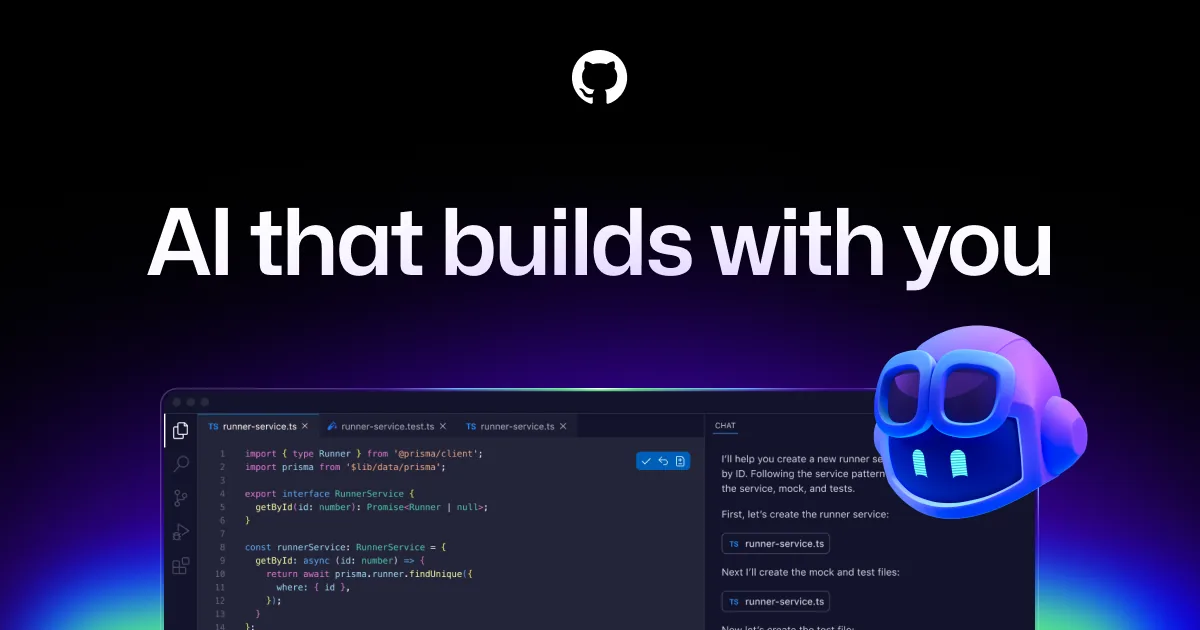
Copilot runs in Visual Studio Code, Visual Studio 2022 17.8 or later, the JetBrains IDEs, Eclipse, Xcode, Vim and Neovim, and as a command-line tool. VS Code is the easy route, since there’s nothing to install. If you’d rather try a separate AI editor or a terminal agent, we compare Cursor and Claude Code.
- VS Code. Hover over the Copilot icon in the Status Bar, choose Use AI Features and pick a sign-in method. The extensions install themselves. If your account already has a plan, VS Code uses it; if not, you’re signed up for Copilot Free on the spot. Once you’re in, type
/initin a chat session and Copilot drafts custom instructions for the open project. - JetBrains IDEs. Open the Plugins settings, search the Marketplace for “GitHub Copilot”, click Install, then Restart IDE. Go to Tools > GitHub Copilot > Login to GitHub, copy the device code into the browser window and authorise the plugin. It covers IntelliJ IDEA, PyCharm, WebStorm, GoLand, Rider and the rest of the family.
- Copilot CLI. Install with
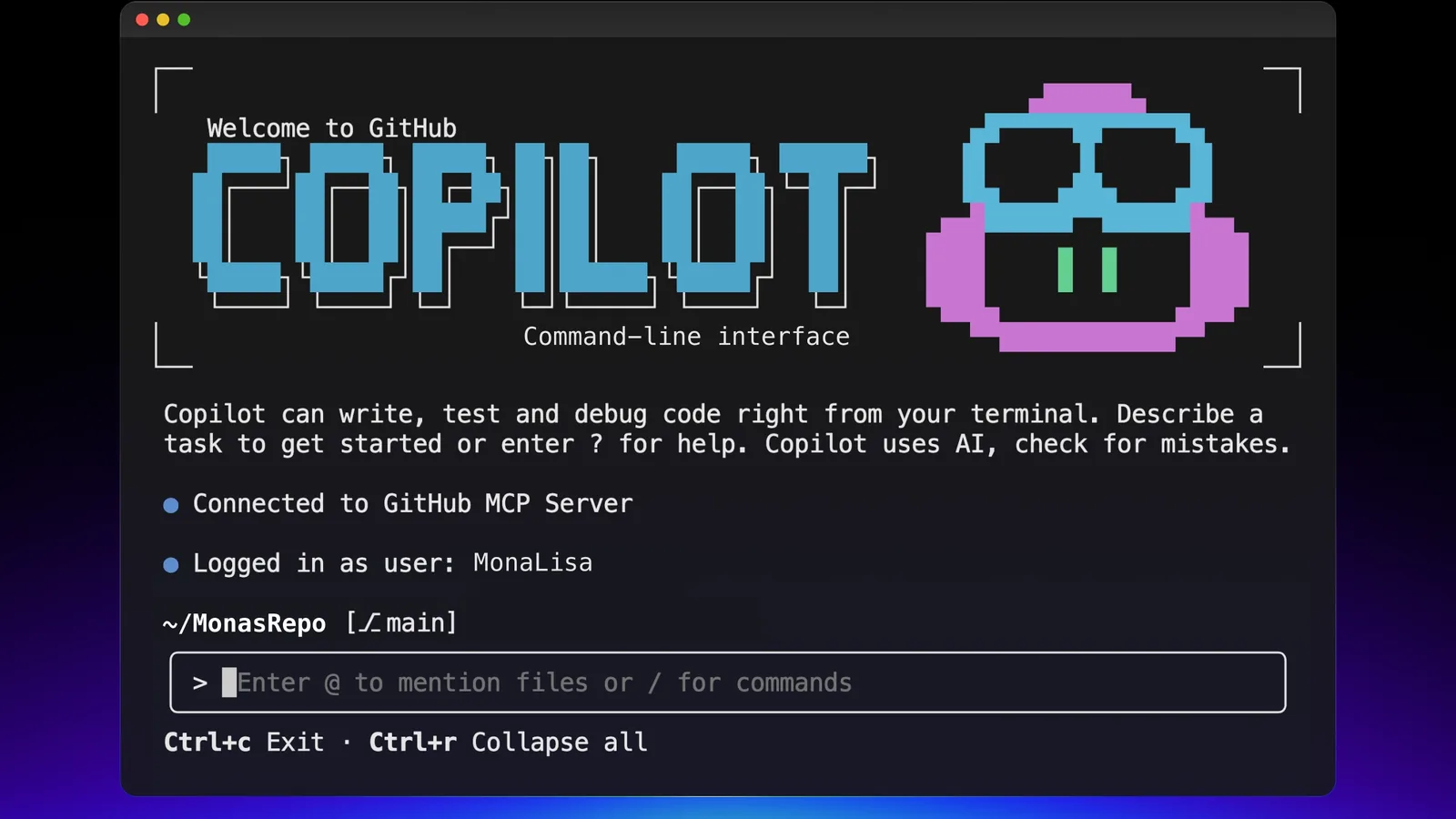
npm install -g @github/copilot(Node.js 22 or later),brew install --cask copilot-cli,winget install GitHub.Copilot, orcurl -fsSL https://gh.io/copilot-install | bash. Runcopilotin a project folder and type/loginwhen it asks. The CLI comes with every plan, Free included.
Step 3: completions
As you type, Copilot proposes the rest of the line or a whole block in grey text. Tab accepts, Esc dismisses, and Alt+] or Alt+[ (Option on a Mac) cycles through the alternatives. A plain-English comment above an empty function makes a good prompt. Always read what it offers before pressing Tab. Copilot copies nearby patterns, so if you introduced a bug three lines earlier it will happily repeat it. If suggestions suddenly dry up, look at the public-code setting in step 8, because Block mode quietly drops anything that resembles code on GitHub.
Step 4: Copilot Chat, plan mode and agent mode
Open the chat view from the chat icon in the VS Code title bar. The agents dropdown at the bottom has three modes, and which one you pick makes more difference than how you word the prompt.
- Ask answers questions and suggests code without touching your files.
- Plan reads through the task with read-only tools and comes back with a step-by-step plan and any open questions. Nothing changes until you approve it. Start Implementation then hands it to the agent, or Open in Editor keeps it as Markdown.
- Agent does the work. Give it a task and Copilot decides which files to change, streams the edits into the editor, runs terminal commands and tests, and keeps working through the errors until it’s done. Check the diff before you commit. Every agent prompt costs AI credits, and a long session in a big codebase costs a lot more than a chat question.
Agent mode can also connect to MCP servers and hand research off to subagents. If Agent isn’t in the dropdown at all, an organisation administrator has switched it off.
Step 5: the cloud agent
What used to be called the coding agent is now the Copilot cloud agent, and it comes with every paid plan. It works in a throwaway environment run on GitHub Actions, makes its changes on a branch, runs tests and linters, and then asks you for a review. It spends AI credits and Actions minutes as it goes. We compare OpenAI’s and Anthropic’s own coding agents in Codex vs Claude Code.
- Assign an issue to Copilot. Open the issue, click Assignees and pick Copilot. There’s an optional prompt field for constraints, such as which files to leave alone.
- Or start from the agents tab. At github.com/copilot/agents choose the repository, describe the task and say whether you want a pull request straight away. You can pick the base branch and the model here too.
- Or type /task in Copilot Chat on GitHub.com, and the session picks up the context of that conversation.
- Steer and review. Copilot pushes commits and adds you as a reviewer. To ask for changes, comment
@copiloton the pull request. The session logs show every step it took.
Step 6: models and what they cost
The model picker is the CURRENT-MODEL dropdown at the bottom of the chat view, in every client and on GitHub.com. GitHub’s supported-models page lists 32 models from six providers: twelve from OpenAI (GPT-5 mini up to GPT-6 Astra, Luna and Sol), ten from Anthropic (Claude Haiku 4.5 up to Opus 5.5 and Fable 5.1), Gemini 3.5 to 3.8 Flash, Grok 4.5 to 4.7, Kimi K2.7 Code and K3, and MAI-Code-1.1-Flash. Free and Student get Auto only, Pro gets “a selection of models”, and Pro+ and Max get the premium ones. Because billing is per token, the model you choose sets how quickly credits disappear, and the gap between the cheapest and the dearest is a factor of a hundred.
Auto routes each prompt by how complex it is and by which models are healthy at that moment, across three tiers (Efficiency, Balance, Intelligence), and paid plans get 10 percent off model costs while it’s on. In VS Code and the CLI some models also offer a 1 million token context window and adjustable reasoning levels. Both use up credits faster, and GitHub’s own advice is to stay on the regular setting unless the task really needs more. Manage Models lets you add models through your own Anthropic, Google or OpenAI API key.
Step 7: custom instructions
Ten minutes spent here pays off more than anything else in this guide. A file at .github/copilot-instructions.md applies to every Copilot request in the repository, from chat through to the cloud agent and code review. Write what you’d tell a new colleague on their first morning: what the project does, how to build and test it, and which conventions you actually care about. GitHub asks that it stay under about two pages and leave out task-specific detail. Path-specific rules go in .github/instructions/NAME.instructions.md files with a glob pattern, and Copilot also reads AGENTS.md files anywhere in the tree, or a single CLAUDE.md or GEMINI.md at the root. If you’d rather not write it yourself, the agents tab has a ready-made prompt that gets the cloud agent to draft the file.
Step 8: the two privacy settings
Click your profile picture on GitHub and choose Copilot settings. Two dropdowns on that page are worth setting yourself rather than leaving at their defaults.
The second dropdown is Suggestions matching public code. On Allow, Copilot shows suggestions that match public GitHub code and lets you click through to where they came from. On Block, it compares each suggestion plus around 150 characters of context against public code and hides any match or near match. The same page is also where you limit which of your repositories the cloud agent is allowed to touch.
+Pros
- The free tier is usable, and VS Code needs no install
- One subscription covers editor, terminal, desktop and GitHub.com
- 32 models behind one picker, with prices published
- The cloud agent turns backlog issues into pull requests
+Cons
- Credits are hard to predict, and one long agent session costs as much as many chat questions
- The flex allotment can change, so your allowance may shrink
- Free can’t pick a model or use the cloud agent
- Training on your data is opt-out on every individual plan
Verdict
Install it in whichever editor you already use and stay on Free for a couple of weeks. Spend the first ten minutes on the two privacy dropdowns and a copilot-instructions.md file. Move to Pro at $10 when you hit the completions cap or want the cloud agent, and leave the picker on Auto. We wouldn’t consider Pro+ or Max until you’re using up all 1,500 credits every month.
Frequently asked questions
Is GitHub Copilot free?
Yes, there is a Free plan for individuals. It gives you 2,000 completions a month and a limited allowance of chat and agent use on the Auto model. Verified students get Copilot Student with unlimited completions.
How much does GitHub Copilot Pro cost in 2026?
Pro costs $10 a month, which covers unlimited completions and 1,500 AI credits (1,000 base plus 500 flex). Pro+ is $39 for 7,000 credits and Max $100 for 20,000; Business is $19 and Enterprise $39 per seat. Checked 28 September 2026.
What is the difference between agent mode and the cloud agent?
Agent mode runs in your IDE and edits files on your machine, while the cloud agent runs on GitHub in a GitHub Actions environment and ends with a pull request. Agent mode works on Free; the cloud agent needs a paid plan.
Which AI models can I use in Copilot?
It depends on your plan. GitHub lists 32 models from OpenAI, Anthropic, Google, xAI, Moonshot AI and Microsoft, from GPT-6 Luna at the cheap end to GPT-6 Astra and Claude Fable 5.1 at the top. Free uses Auto only; Pro+ and Max get the premium models.
Does GitHub train on my code?
On Free, Pro, Pro+ and Max it can, and has done by default since 24 April 2026, unless you set “Allow GitHub to use my data for AI model training” to Disabled in Copilot settings. Business and Enterprise data is excluded.
Sources and method
Plan prices, credit allowances, model lists and per-token rates come from GitHub’s plans page and GitHub Docs as of 28 September 2026. Installation steps, shortcuts, agent behaviour and settings wording are quoted or paraphrased from the official documentation below. We haven’t run a timed or benchmarked comparison for this guide; where we say what a feature does, we’re describing what GitHub documents.
- GitHub, Copilot plans and pricing: prices, “1 AI credit = $0.01 USD”, flex allotments, Free plan FAQ
- GitHub Docs, Plans for GitHub Copilot: credit table, models and agents per plan, Business and Enterprise pricing
- GitHub Docs, Usage-based billing for individuals: base and flex credits, reset date, additional usage, 10 percent Auto discount
- GitHub Docs, Models and pricing for GitHub Copilot: per-million-token rates
- GitHub Docs, Supported AI models in GitHub Copilot: model list, LTS model, 1M context and reasoning levels
- GitHub Docs, About Copilot auto model selection: tiers and discount
- GitHub Docs, Installing the GitHub Copilot extension in your environment and VS Code, Set up GitHub Copilot: install and sign-in steps
- GitHub Docs, Installing GitHub Copilot CLI and About GitHub Copilot CLI: install commands, /login, plan mode
- GitHub Docs, Getting code suggestions in your IDE: shortcuts
- GitHub Docs, Asking GitHub Copilot questions in your IDE: Ask, Plan and Agent modes, subagents
- GitHub Docs, Changing the AI model for GitHub Copilot Chat: model picker and Manage Models
- GitHub Docs, About GitHub Copilot cloud agent and Using Copilot cloud agent on GitHub: entry points, Actions environment, costs
- GitHub Docs, Adding repository custom instructions: file locations and precedence
- GitHub Docs, Managing GitHub Copilot policies as an individual subscriber: public-code matching, model training opt-out, Bing, cloud agent access